Pick-up at a pick-up machine
After you have successfully linked the student travel product, you only need to go to a service point
NOTE: You can see in My DUO from when you can pick-up your student travel product at a pick-up machine.
When the student travel product is ready to be picked up, we will also send you another email to the email address you entered in our Mijn omgeving.
Pay close attention to the starting date date of your student travel product. Even though it is now on your OV-chipkaart it does not mean that it has already started.
To make this clearer, some examples follow;
Example 1
- Did you apply for your student travel product on February 1 and your starting date is September 1? You can find the starting date of your student travel product on My DUO.
- We will send you an email as soon as the student travel product is ready on the pick-up machine!
- You can only start from the starting date with vrij traveling, so from September 1.
Example 2
- Did you apply for your student travel product on August 1 and your starting date is September 1? You can find the starting date of your student travel product on My DUO.
- We will send you an email as soon as the student travel product is ready on the pick-up machine!
- You can only start from the starting date with vrij traveling, so from September 1.
Service Point Finder
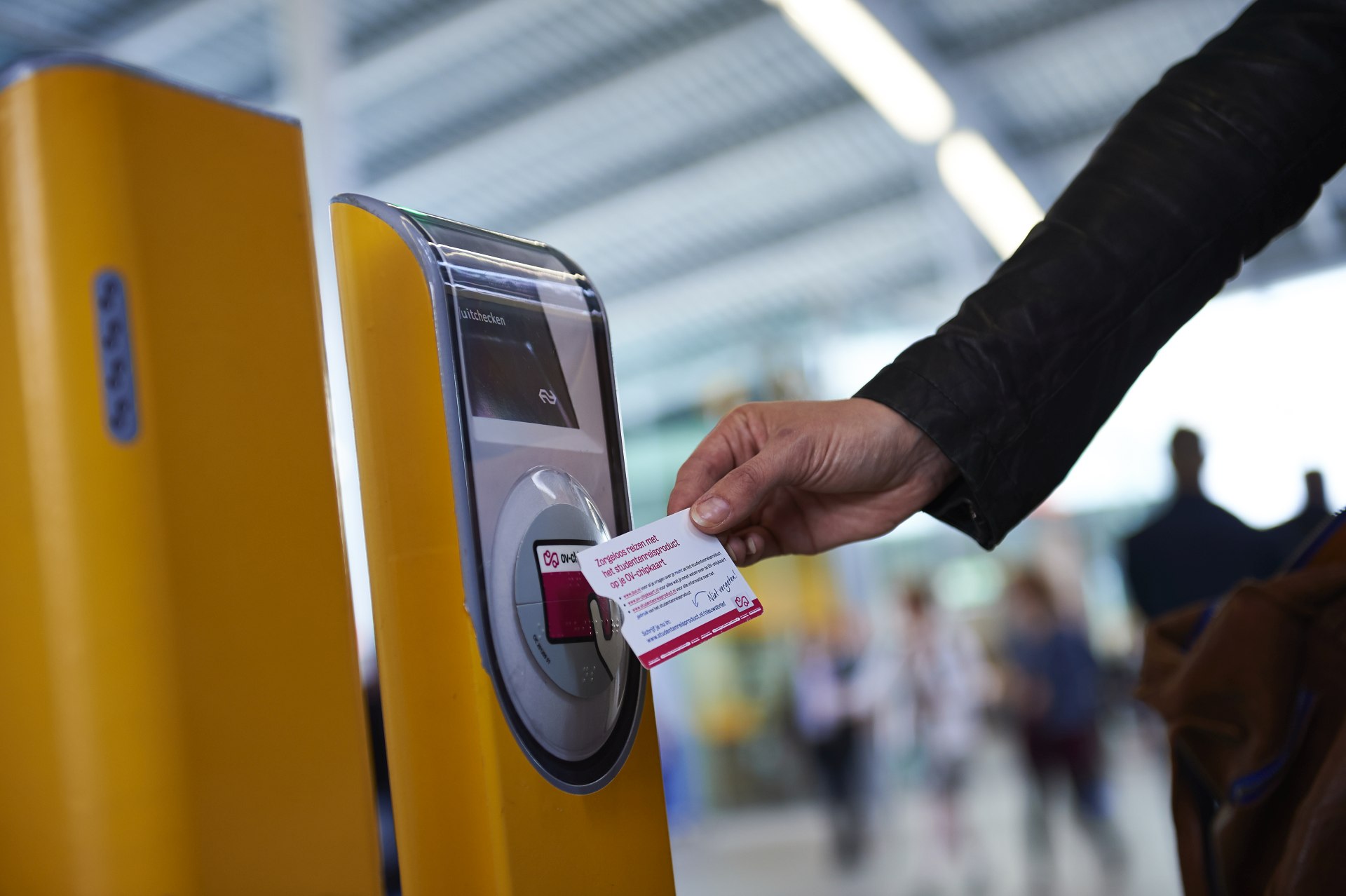
You can then pick-up the student travel product at a pick-up machine (the yellow vending machines at stations, Albert Heijn and tobacco stores, among others).
If you are looking for a pick-up point use the service point finder of OV-chipkaart.nl.
Use the service location finder to find OV-chipkaart throughout the Netherlands. For example, places where you can add funds to your card or load an online order onto it. Use the service location finder to find a service location near you.